Notion Life Dashboard for Beginners – How to Get Started Without Overcomplicating It
Disclosure: This post may contain affiliate links. If you choose to purchase through one of these links, we may earn a small commission at no extra cost to you. We only recommend tools we truly believe in.
A notion life dashboard for beginners should feel calming, not complex. Yet many people open Notion for the first time and immediately feel overwhelmed by options, templates, and endless possibilities. The problem is not Notion itself. It is starting without a clear structure.
A life dashboard is not meant to be impressive or intricate. It is meant to give you one clear place to think, plan, and make decisions. When beginners try to build everything at once, the system becomes heavy and quickly abandoned. The goal is not to build a perfect dashboard. The goal is to build one that works for you right now.
This guide shows how to get started simply and intentionally.
What a Beginner Notion Life Dashboard Really Needs
When you are starting out, you do not need ten databases or complex relationships. You need a small number of core areas that reflect how you actually live.
A beginner friendly notion life dashboard should focus on clarity first.
At minimum, it should include:
- One central home dashboard
- A simple weekly planning view
- A place for goals or priorities
- A space for notes and reflections
That is enough to begin.
You can always add more later, but clarity comes from starting small and building with purpose.
The Most Common Beginner Mistake
The most common mistake beginners make is copying advanced dashboards without understanding why they work. This leads to clutter and confusion.
Signs you have overcomplicated your dashboard include:
- You are not sure where to put things
- You avoid opening Notion because it feels heavy
- You spend more time organising than acting
- You feel behind instead of supported
A notion life dashboard should reduce mental load, not increase it.
This is why starting with a system mindset matters more than copying layouts.
Step One: Create a Simple Dashboard Home
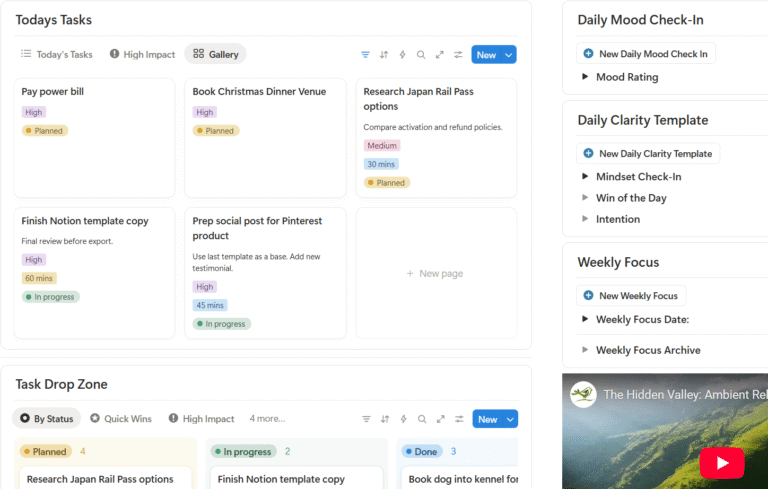
Your dashboard home is the first thing you see when you open Notion. For beginners, this should be clean and minimal.
Your home page should answer three questions quickly:
- What matters right now
- What am I working on this week
- Where do I go next
You might include:
- A short weekly focus section
- Links to your main areas
- A simple list of active priorities
Avoid adding widgets, quotes, or trackers that do not serve a clear purpose.
Simplicity builds trust in the system.
Step Two: Start With Weekly Planning
Weekly planning is the most grounding place for beginners. It creates rhythm without pressure.
Instead of daily task overload, focus on:
- What needs attention this week
- What can wait
- What supports your energy
A simple weekly view can include:
- Three to five priorities
- Key tasks
- Space for notes or reflections
This approach aligns well with the philosophy behind a notion planning system rather than a traditional planner.
If you want a deeper explanation of why this works, check out this article Most Planners Fail Here’s Why a Notion Planning System Is Better
Step Three: Separate Life Areas Gently
Beginners often try to merge everything too quickly. Instead, create gentle separation.
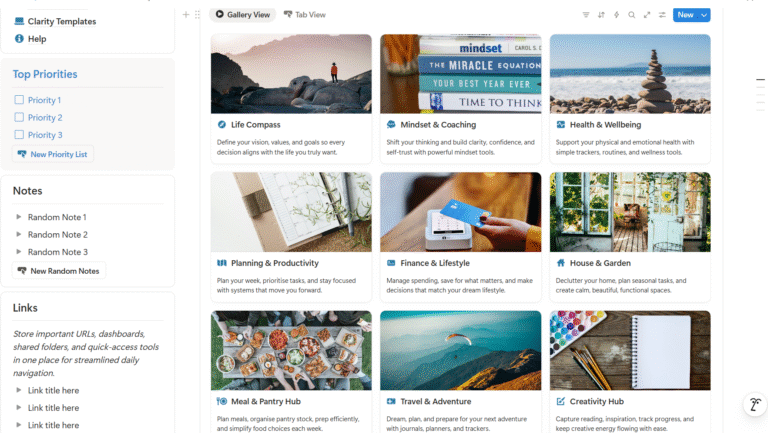
Life areas might include:
- Work or projects
- Personal life
- Wellbeing
- Home or admin
You do not need separate databases for everything. Simple pages or sections are enough at the start.
Over time, these can evolve into a more complete notion life dashboard that connects everything together.
For a foundational explanation of how these areas come together, link to
Notion Life Dashboard What It Is and Why It Works
Step Four: Add Reflection Early
Reflection is often skipped by beginners, but it is one of the most powerful parts of a life dashboard.
Reflection helps you:
- Adjust what is not working
- Reduce self judgment
- Make better decisions
- Stay aligned with your values
Start small with questions like:
- What felt heavy this week
- What worked better than expected
- What needs to change next week
This transforms your dashboard from a task list into a thinking space.
When to Expand Your Dashboard
You will know it is time to expand when:
- You are using your dashboard consistently
- You feel clear rather than overwhelmed
- You want more visibility across life areas
At this point, you can introduce:
- Habit tracking
- Goal planning
- Project views
- Life area dashboards
The key is expansion by intention, not accumulation.
Build Slowly or Start With a Proven System
Some beginners enjoy building from scratch. Others want structure without friction.
If you want a ready built notion life dashboard that is designed to support beginners and still scale with complexity, this is where SYLO fits.
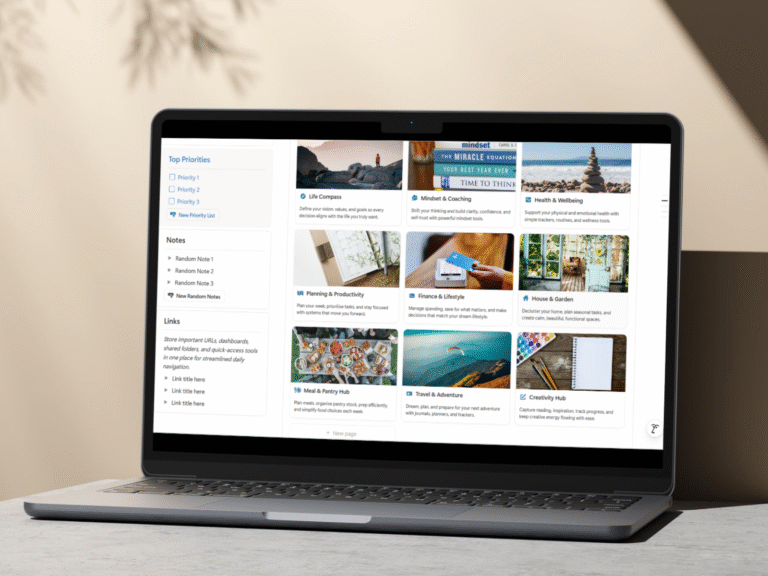
SYLO, short for Sort Your Life Out, is a fully structured notion life dashboard designed to work immediately while leaving room to grow. It includes clear life areas, planning layers, and built in reflection without overwhelm.
You can explore the system here: Sort Your Life Out Dashboard.
Why Beginners Thrive With the Right Structure
A beginner does not need more tools. They need confidence that the system will hold them.
A well designed notion life dashboard for beginners:
- Reduces decision fatigue
- Builds consistency naturally
- Encourages reflection
- Supports real life complexity
When the system feels safe and supportive, people keep using it.
That is what creates momentum.
Final Thoughts
Starting a Notion life dashboard for beginners does not require technical skill or perfect organisation. It requires clarity, simplicity, and patience.
Begin with what you need now. Let the system grow with you. Planning should feel grounding, not demanding.
The right dashboard does not push you forward. It gives you space to move at your own pace.
If you’d like to check out a dashboard that is already set up with everything ready to go, have a look at our Sort Your Life Out Dashboard.