Notion Weekly Planning Without Overwhelm
Weekly planning is one of the most powerful habits you can build, but it is also one of the easiest to overcomplicate. Many people open Notion with good intentions and quickly end up with sprawling task lists, rigid schedules, and a sense that the week is already too full before it has even begun.
Notion weekly planning should create clarity, not pressure. When designed well, it becomes a grounding practice that helps you decide what matters most, what can wait, and where to focus your energy. When designed poorly, it becomes another source of overwhelm.
The difference is not effort. It is structure.
Why Weekly Planning Often Feels Heavy
Weekly planning becomes overwhelming when it tries to do too much. Instead of supporting decision making, it turns into an attempt to control every hour of the week which can be stifling rather than freeing.
Common reasons weekly planning feels exhausting include:
- Treating the week as a rigid schedule rather than a flexible container
- Carrying unfinished tasks forward without review
- Mixing priorities, ideas, and reminders in one long list
- Planning based on ideal energy rather than real capacity
When planning ignores how life actually works, it creates tension instead of clarity.
What Notion Weekly Planning Is Really For
The purpose of weekly planning is not to predict the future. It is to create orientation.
A good Notion weekly planning system helps you:
- Decide what matters most this week
- Limit focus to a realistic number of priorities
- Create visibility across personal and professional commitments
- Reduce decision fatigue during the week
Weekly planning is about direction, not perfection.
This is where systems thinking productivity becomes essential. Instead of asking you to push harder, the system helps you choose better.
Start With Priorities, Not Tasks
One of the biggest mistakes in weekly planning is starting with tasks. Tasks are infinite. Priorities are not.
Before listing anything, ask:
In Notion weekly planning, this often looks like choosing three to five core priorities. These priorities act as anchors for the week. Tasks then support priorities, not the other way around.
This approach reduces overwhelm by narrowing focus before details are added.
Separate Planning From Scheduling
Weekly planning does not need to mean time blocking every hour. In fact, for many people, over scheduling creates stress and rigidity.
A calmer approach is to separate planning from scheduling.
Planning answers:
Scheduling answers:
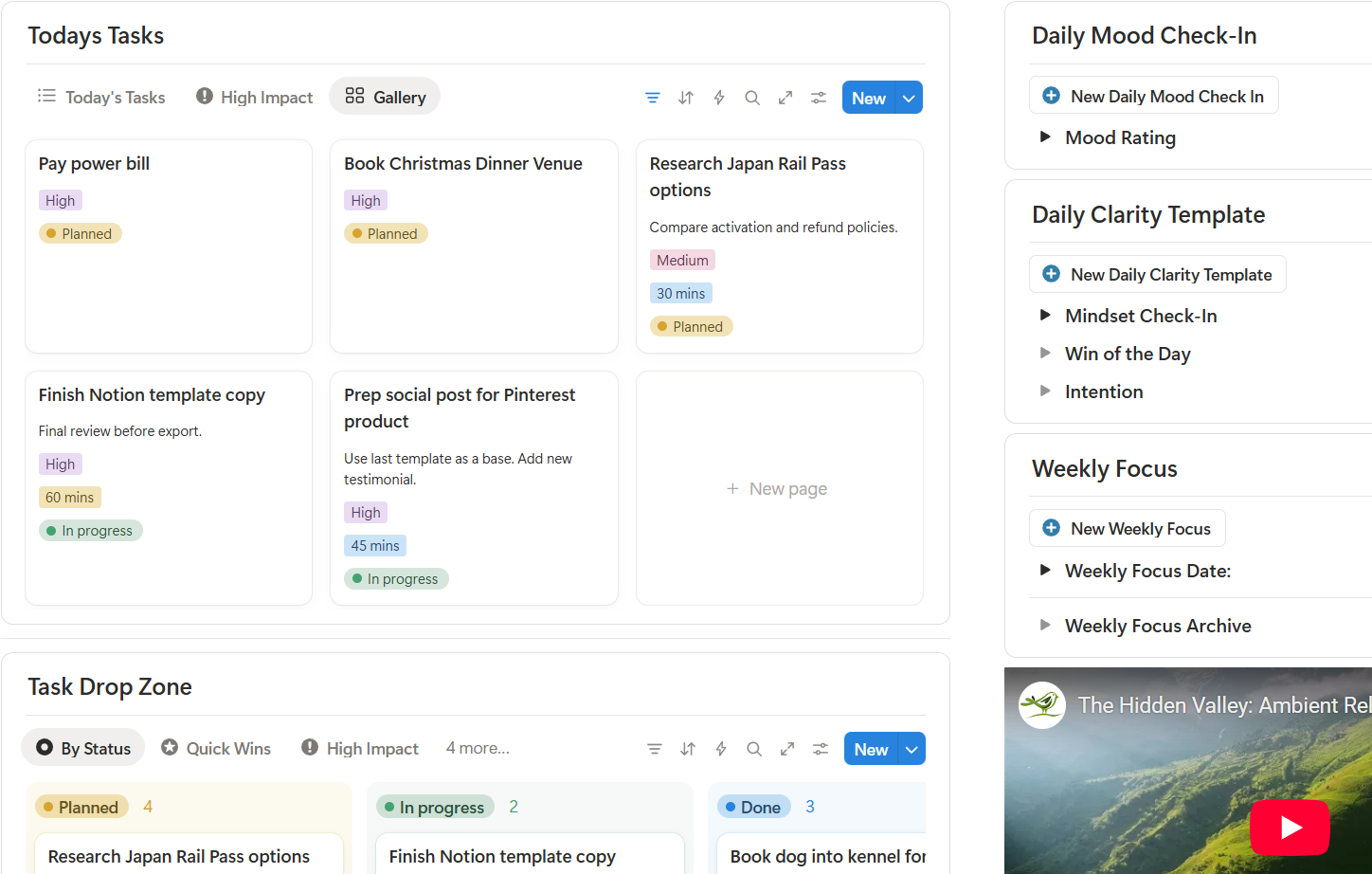
In Notion, this might mean a weekly planning view that shows priorities and task groups, paired with a lighter calendar view used only when necessary.
This separation allows flexibility while still providing structure.
Use Categories to Reduce Cognitive Load
Another reason weekly planning feels overwhelming is that everything is treated as equal. A well designed Notion weekly planning system uses categories or life areas to create context.
Examples might include:
By grouping tasks into categories, your brain can process information more efficiently. You are no longer looking at one long list. You are seeing structured chunks that reflect real life.
This is a simple change that significantly reduces mental load.
Build in Review, Not Just Planning
Weekly planning should include a brief review of the previous week. Skipping this step often leads to repeated overwhelm.
A short review might include:
This reflection is not about judgment. It is about feedback. When planning systems include review, they become adaptive rather than rigid.
This is one of the key differences between a planner and a planning system.
For a deeper explanation of this distinction, you might be interested in this article:
Most Planners Fail Here’s Why a Notion Planning System Is Better
Why Notion Works Well for Weekly Planning
Notion is particularly effective for weekly planning because it allows information to be connected rather than duplicated. Tasks can live inside projects. Projects can connect to goals. Weekly plans can reference everything without creating new lists each time.
When Notion is used as a system rather than a collection of pages, weekly planning becomes lighter and more intuitive.
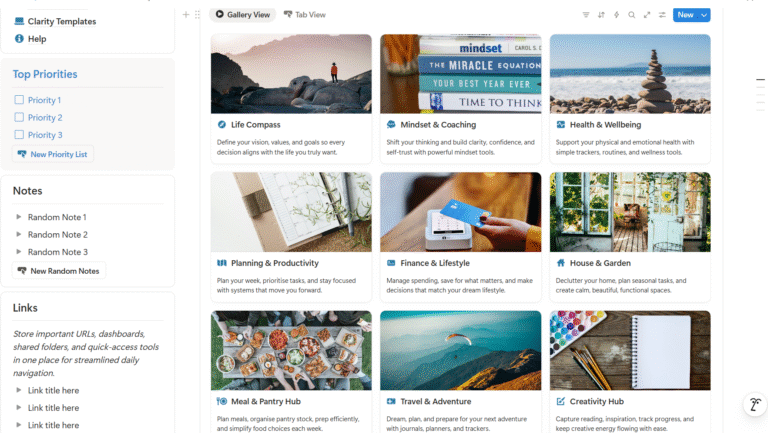
A notion life dashboard often includes a dedicated weekly planning view that pulls information from across the system. This prevents the need to rewrite tasks or remember where things live.
You might also be interested in this article:
Notion Life Dashboard What It Is and Why It Works
When a Ready Built System Helps
Some people enjoy designing their own weekly planning setup. Others want clarity without experimentation.
If weekly planning has consistently felt overwhelming, it may not be a personal issue. It may be a structural one.
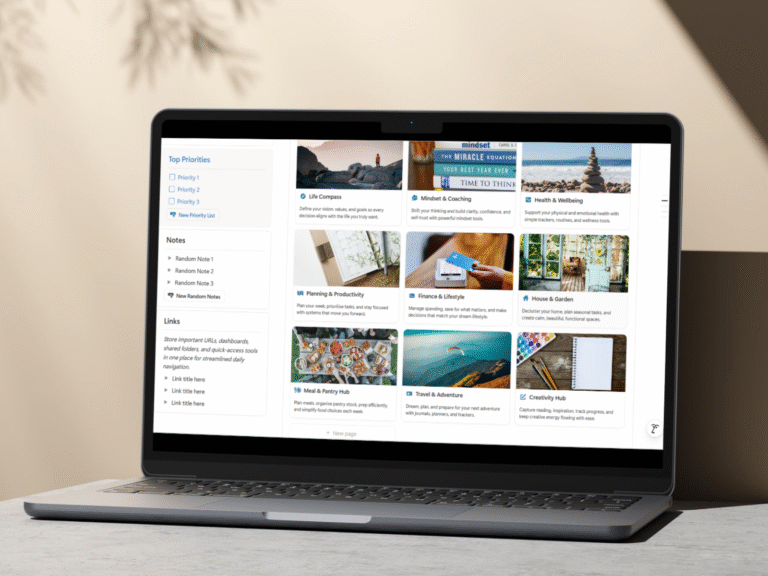
A ready built system like the Sort Your Life Out Dashboard includes a weekly planning structure designed to be calm, realistic, and adaptable. It integrates priorities, tasks, and reflection without overloading you.
This might be a solution for you, check out Sort Your Life Out Dashboard.
Final Thoughts
Notion weekly planning should feel like support, not obligation. When the system is clear, planning becomes a grounding practice rather than a stressful task.
You do not need to plan every detail, although having a system to track things can give you some space to think and a sense of freedom. You need a structure that helps you decide what matters and lets the rest go.
Weekly planning is not about control. It is about clarity.