How to Build a Notion Life Dashboard That Actually Works
Build a Notion Life Dashboard that actually works. Learn the key sections, structure, and strategies to simplify your life with a system you’ll actually use.
How to Build a Life Dashboard in Notion That Actually Works
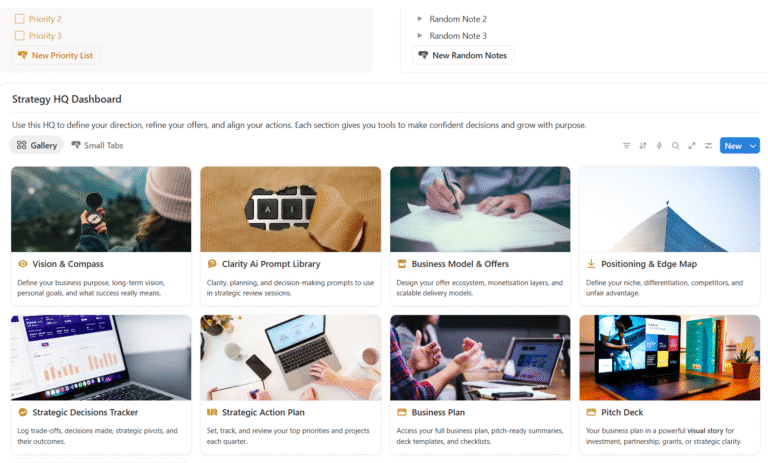
A Notion Life Dashboard isn’t just a digital planner. When built well, it becomes your clarity hub a central space that helps you manage your goals, routines, habits, decisions, and mental load in one calm, structured system.
But most people build life dashboards in Notion that don’t work.
They end up cluttered, hard to maintain, and abandoned within weeks.
Here’s how to do it differently and why a properly designed Notion Life Dashboard can change the way you think, plan, and take action.
Why Most Notion Dashboards Don’t Stick
- They look good, but lack strategic structure
- They track tasks, but don’t guide decisions
- They feel overwhelming instead of calming
- They require too much maintenance
- They don’t reflect the real complexity of life
Your dashboard should reduce mental load, not add to it.
What to Include in Your Notion Life Dashboard
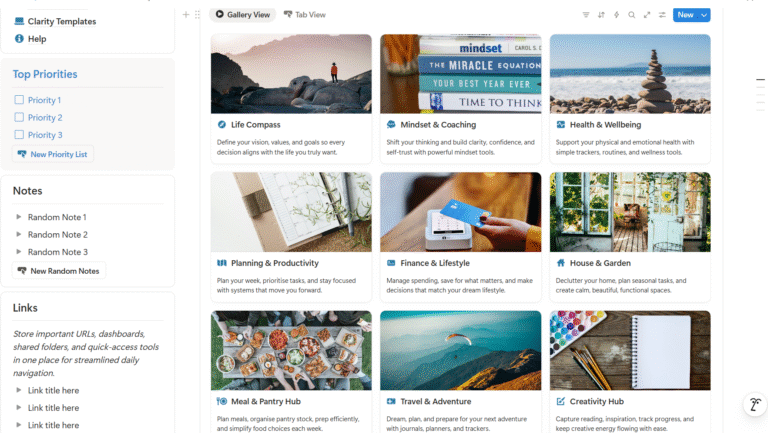
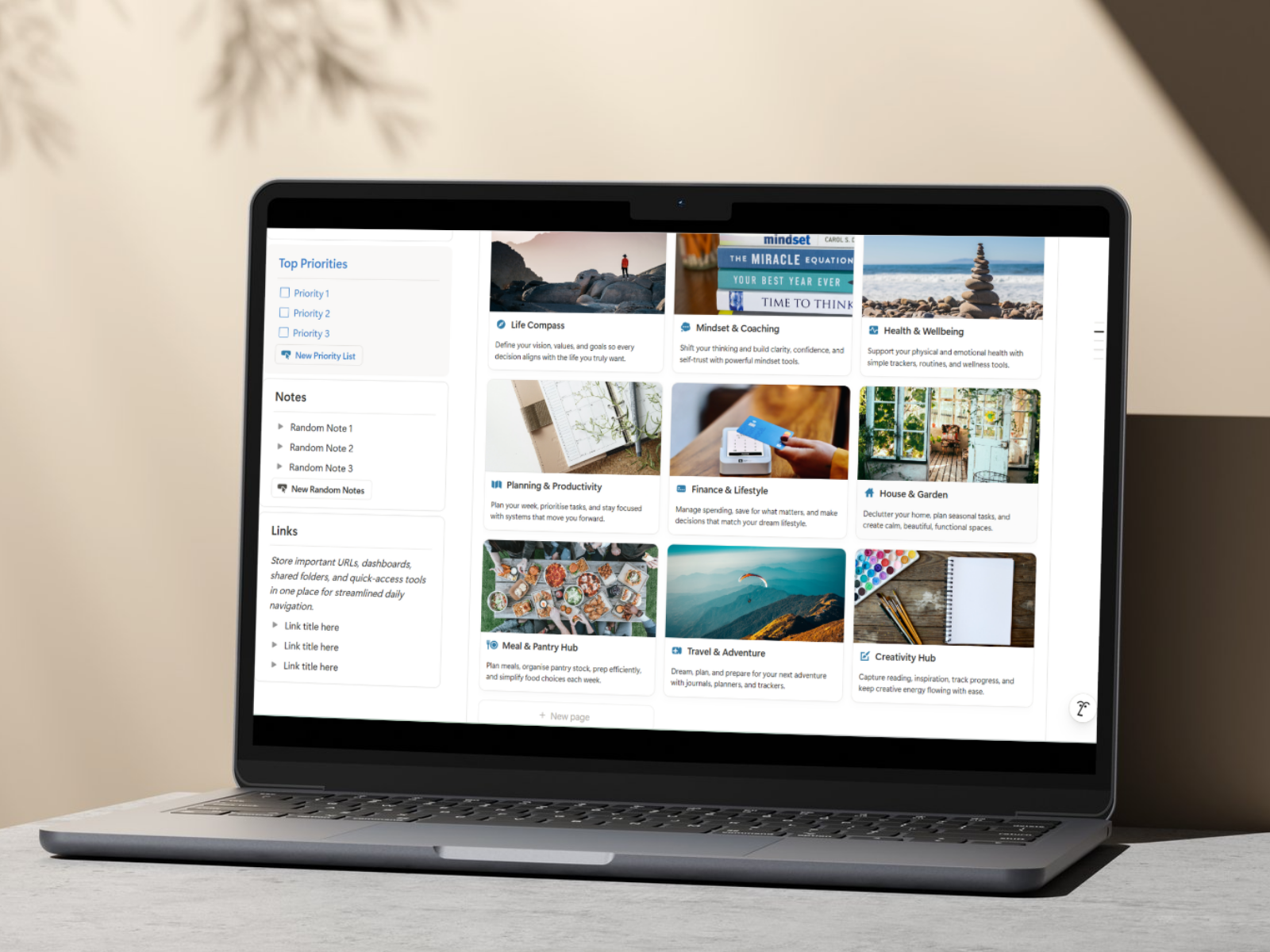
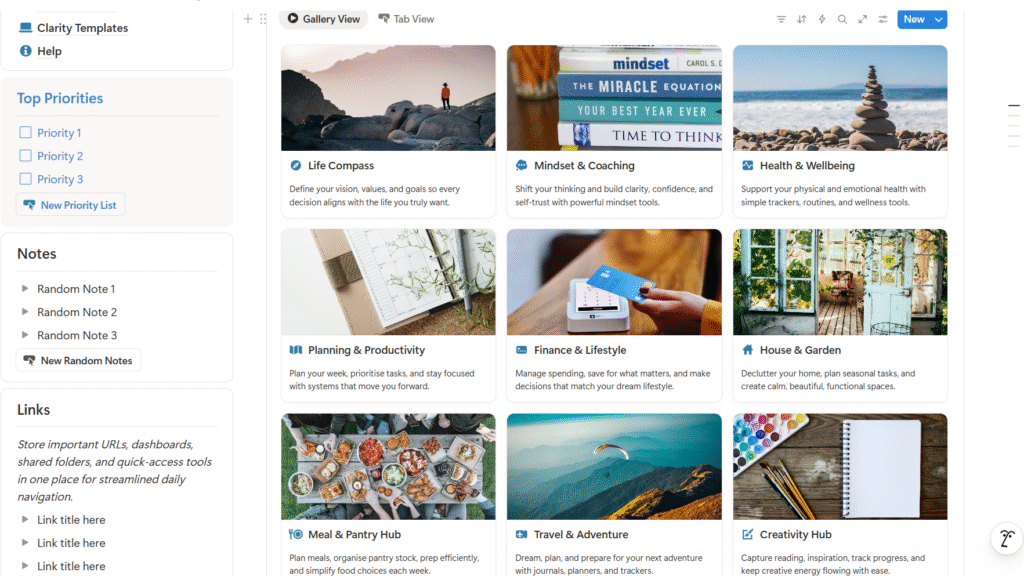
A powerful life dashboard has 6–8 core areas that mirror the way life actually works. These should be layered, not siloed.
Here’s what we recommend including:
Clarify your values, vision, goals, and daily rituals, so every decision is aligned with what really matters.
Include prompts, reflections, and tools that help you reset and get clear when things feel messy.
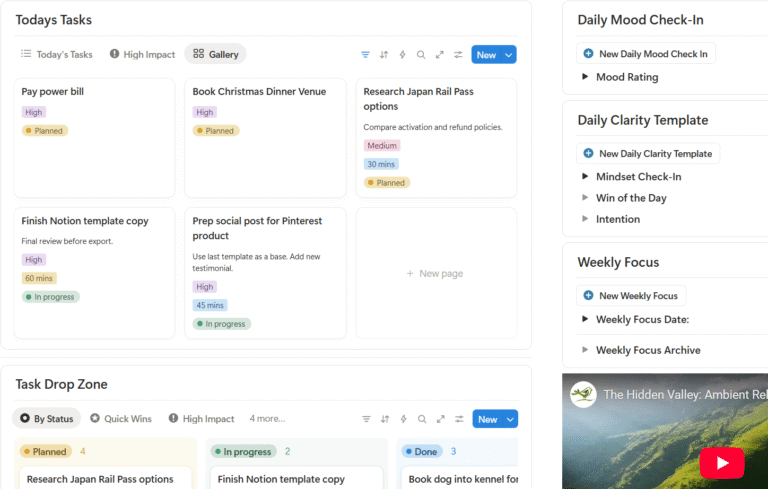
Weekly planners, prioritisation tools, and task managers that are calm and focused, not chaotic.
Track chores, home maintenance, documents, plants, and vehicle details so you’re not trying to keep it all in your head.
Simple ways to track spending, manage goals, and stay mindful of your money.
Meal planning and pantry inventory in one clean system so food decisions are easier.
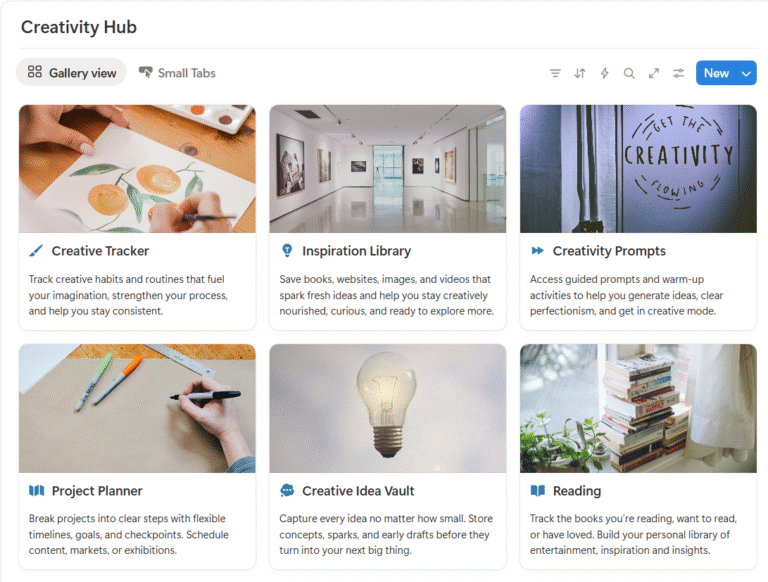
Space to dream, plan trips, and reconnect with inspiration.
3 Keys to a Dashboard That Works
1. Pre-Built Views
Use Kanban, calendar, and gallery layouts that are already connected, no need to build from scratch each time. Everything is sortable and searchable, so no details are lost.
2. Templates Inside the Databases
A great Notion Life Dashboard has pre-set templates inside each database. This saves time and ensures consistency. It helps you to not have to think about what needs to go in to each space.
3. Layered Design
Every section connects to the bigger picture, your vision, your values, your week. That’s what creates real clarity. Having all the details in one place means you can use relations to connect everything.
How to Build Yours (Or Get One That Works)
If you’re ready to build your own Notion Life Dashboard, start with the core areas above and ask:
- What do I need to see each day and week to feel calm?
- Where am I wasting energy repeating tasks?
- What areas of life feel disconnected or scattered?
If you don’t want to build from scratch…
SYLO (Sort Your Life Out) is a premium Notion Life Dashboard built to give you momentum, not mess. It includes all of the above it’s already structured, templated, and ready to go.
👉 Explore the Sort Your Life Out Dashboard – Life & Productivity System
Final Thoughts
Your life is complex. Your planning system should honour that.
A beautiful Notion Life Dashboard isn’t just for aesthetic productivity it’s for real clarity, momentum, and decision-making. Start simple, stay strategic, and give yourself the gift of a system that supports how you actually live.
The Sort Your Life Out Dashboard – Life & Productivity System might be just what you are looking for.